
 The latest version of Windows Live Writer, desktop blogging software is now out of beta, and can be downloaded or updated here.
Windows Live Writer
All posts tagged Windows Live Writer

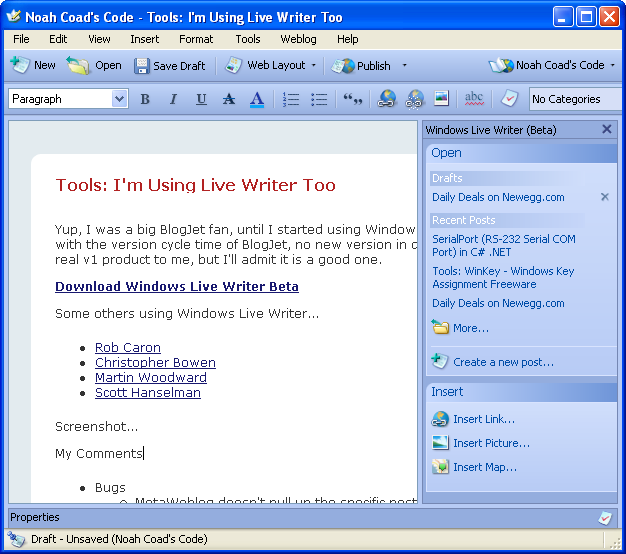
I’ve been using Windows Live Writer to compose blogs on my desktop for some time now, and really like the tool. I was getting a bit frustrated with the lack of options on the “quick launch toolbar”, which couldn’t be amended in any way and with the fact that some features (e g the picture editing and formatting sidebar) were not usable on my netbook as they didn’t fit the screen resolution. As I often use my netbook to write in a local coffee shop this was inconvenient.
Several of the programmes I use regularly have adopted the ribbon interface of Microsoft Office 2007 (Serif WebPlus, MindManager), so I was delighted to discover that the beta of Windows Live Writer, issued in June 2010, has adopted the ribbon.
This has the “quick launch” mini toolbar, and organising tools on the ribbon interface means that the working area now fits on a smaller screen. New releases will also be added to Microsoft Update, meaning that it should stay up-to-date (and hopefully not cause problems, like some MS updates do, too often.
I know from the reviews that this doesn’t suit the people who find change difficult, but for me at least it has made a great blogging tool even better. Don’t take my word for it, give it a try, remembering that it is still a beta release so may be a bit buggy (although I haven’t found any yet).
If you want to share this:

 Its useful to be able to write for my blog without needing to be on line. I don’t really have money to spend on software at present, but if I did I would definitely purchase Blogjet. I tried out all sorts of free and pay-for applications, and Blogjet is way out in front.
My experiment with posting using Word 2007 worked too…I used the ‘New Document → Blog’ facility, which cuts out a lot of the awkward formatting that makes posting from Word tricky (although I notice that WordPress has import tools to sort that out).
One of the problems with Blogger is that it doesn’t have its own photo upload facility, so pre-written entries can’t be uploaded to Blogger from a desktop app. That was the reason I scorned Windows Live Writer, but I now have it installed and it works really well with WordPress – give it a try.

 Pilgrim Traveller